Please have a look at the map below. It will help you familiarize yourself with slideshow control buttons.
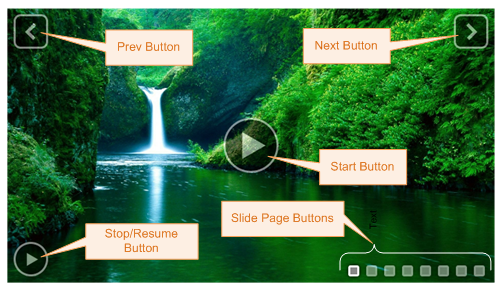
Slideshow control buttons
To show / hide slideshow control buttons.
| 1. | Click Slideshows from the top menu. |
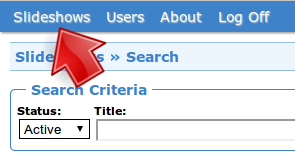
Click Slideshows
| 2. | Click Options of the slideshow. |

Click Options
| 3. | In the Options tab, you will find the following radio buttons, which change the visibility setting of each slideshow control button. Change them as necessary. |

Change the visibility setting of each button
| 4. | Click Save. |

Click Save