To edit a user account
| 1. | Click Users from the top menu. |

Click Users
| 2. | Click the edit icon (✎) of the user you want to edit. |
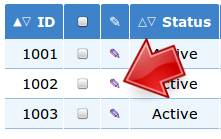
Click Edit Icon
| 3. | Edit the user account and then Click Save. |
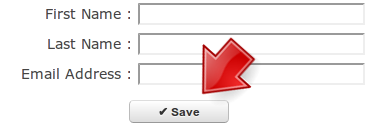
Click Save
To edit a user account
| 1. | Click Users from the top menu. |
| 2. | Click the edit icon (✎) of the user you want to edit. |
| 3. | Edit the user account and then Click Save. |
|
«
Searching for user accounts
|
Adding a new slideshow »
|