To edit the size of a slideshow
| 1. | Click Slideshows from the top menu. |
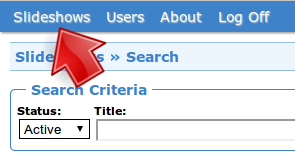
Click Slideshows
| 2. | Click Basic of the slideshow. |

Click Basic
| 3. | Edit Width and/or Height. |
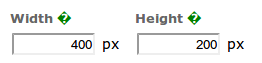
Edit Size
Note that changing the aspect ratio (ratio between the width and height) of a slideshow after uploading images may distort the images.
| 4. | Click Save. |
Click Save