To remove the picture from a slide
| 1. | Open Slides Editor. |
| 2. | Select a slide you want to remove the picture from by clicking on it. |
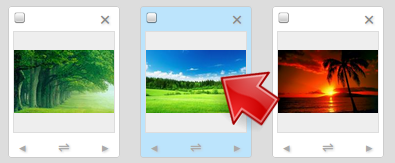
Select a slide
| 3. | Click and select the Picture tab if not already selected. |

Select Picture tab
| 4. | Click Remove Picture. |
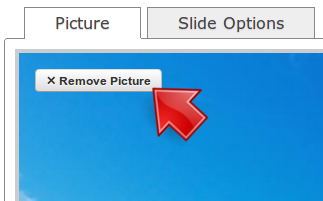
Click Remove Picture
| 5. | Click Save. |
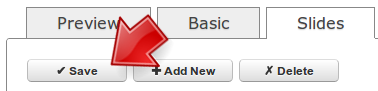
Click Save