This page will explain how to log in to the CssHidex admin panel.
To log in to the CssHidex admin panel,
1 |
Open admin/index.php in your browser. The CssHidex login page opens. |

Login Page
2 |
Enter the username and the password that you set up during the installation process, and then click Enter. |

Click Enter
Logging out
To log out of the CssHidex admin panel, click the X icon located at the top right corner of the page.
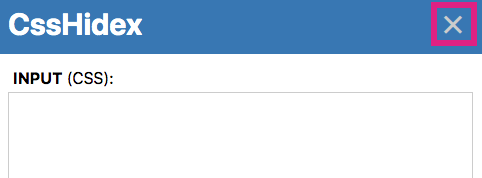
Click X
Edit login information
To edit the username or password, see Edit Login Information.
If you forgot your username/password
If you forgot your username/password, see Change forgotten password.