This page will explain how to edit your username and password.
Edit username
To edit your username,
1 |
Log in to the CssHidex admin panel if you haven't already done so. |
2 |
Click the User icon located at the bottom left corner of the page. It opens the Login Information dialog box. |
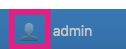
User Icon
3 |
Click the Username pane. |
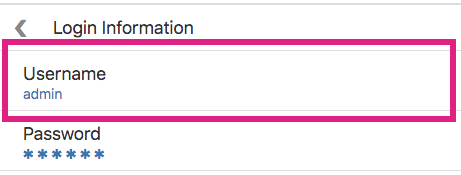
Username Pane
4 |
Edit your username in the Username field. |
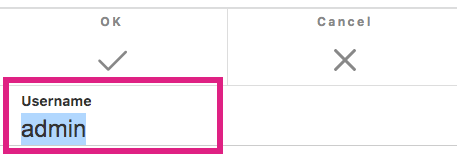
Edit Username
5 |
Click OK to save the change. |

Click OK
Change password
To change your password,
1 |
Log in to the CssHidex admin panel if you haven't already done so. |
2 |
Click the User icon located at the bottom left corner of the page. It opens the Login Information dialog box. |
User Icon
3 |
Click the password pane. |
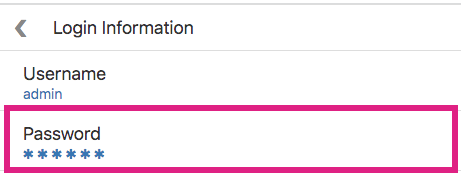
password Pane
4 |
Enter your new password in the Password and Password (confirmation) field. |

Enter new password
5 |
Click OK to save the change. |
Click OK