This page will explain how to install CssHidex in your website.
1. Unzipping product zip file
Unzip the product zip file onto your Desktop and then find the folder named hcs.

Unzipping zip file
2. Uploading script to your website
Upload the hcs folder to your website.
| You can rename the hcs folder to any name you want. In this guide for the sake of simplicity, we assume you keep the folder name intact. |
3. Running installation wizard
Open hcs/install/index.php in your browser. You will see the first page of the installation wizard, as shown below.
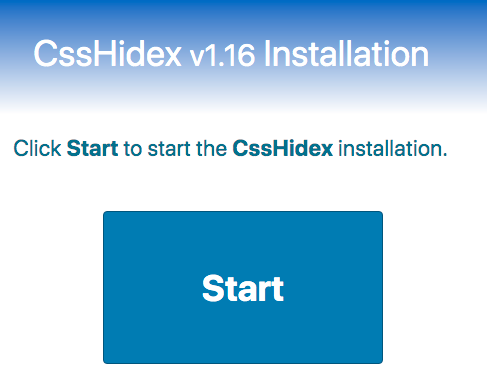
Installation Wizard
Click Start to start installation. The CssHidex installation wizard will guide you through the installation process.
At the end of the installation wizard, you will see the completion message like shown below.

Installation Completed
Important
Remove the hcs/install folder from your website to avoid a security risk.
Click the CssHidex admin panel to open the login page of the CssHidex admin panel.