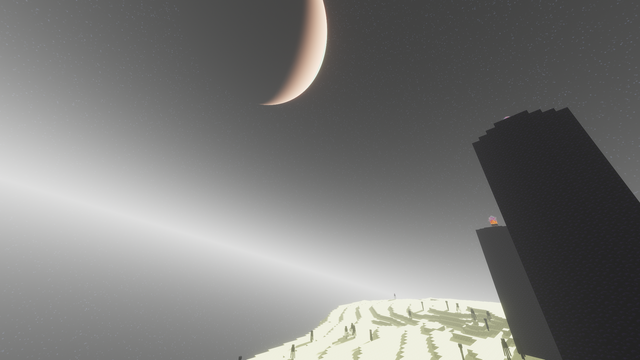
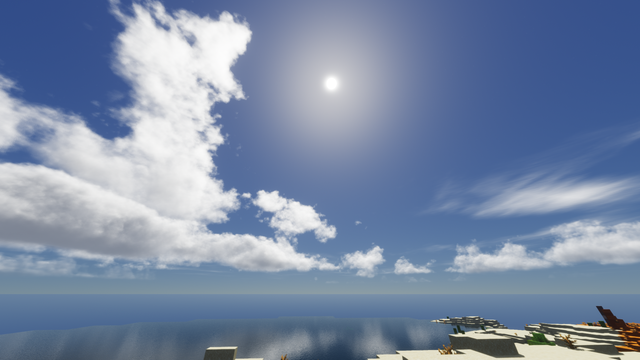
Pyvtron VX is a shader that adds realism into your world!
Experience realistic fog that changes density based on environment and lighting conditions
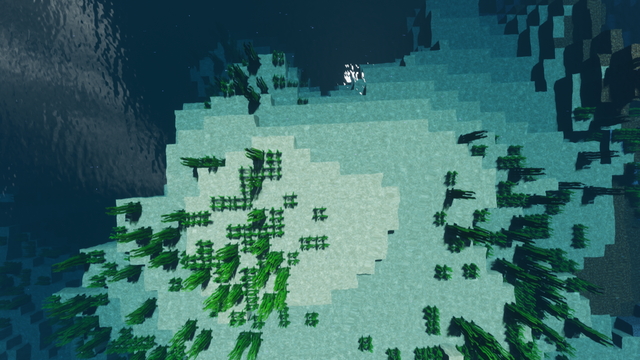
Beautiful light patterns that dance across underwater surfaces and objects
Realistic water surfaces with dynamic reflections and refractions
Extremely realistic rain effects with proper lighting interactions
Sunlight that appears dynamically during rain for enhanced atmosphere
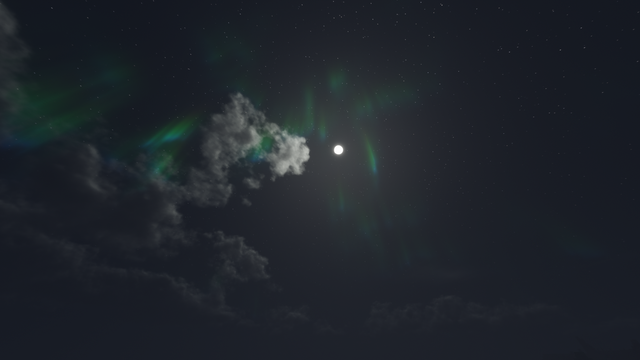
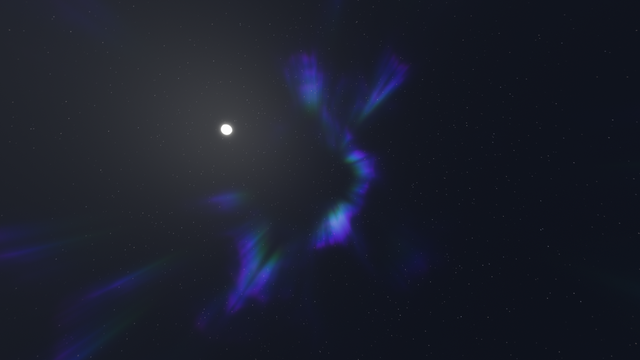
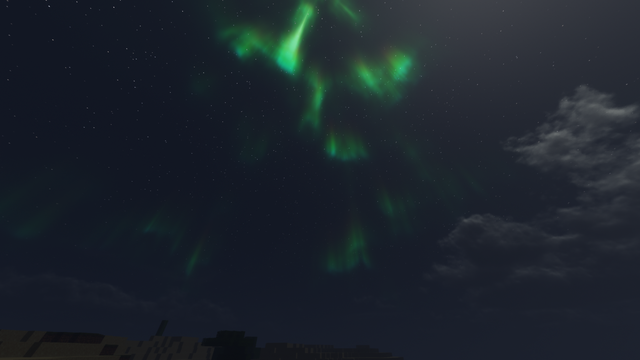
Stunning sky and atmospheric rendering for immersive visuals
Pyvtron VX features a sophisticated cloud system that reacts to environmental conditions. When you're in desert biomes, clouds gradually dry up and transform into realistic smoke-like vapor, creating a unique atmospheric effect that enhances the feeling of heat and aridity.
Recommended: AMD CPU (Ryzen 5 or better)
Minimum: Intel CPU (i5-4xxx or better)
Quad-core processor recommended for optimal performance
Recommended: Nvidia GPU (GTX 1060 or better)
Supported: AMD GPU (RX 580 or better)
Dedicated graphics card with at least 4GB VRAM
Recommended: OpenGL 4.6 or higher
Minimum: OpenGL 4.3 support
Iris Shaders or OptiFine required
Note: I currently only have access to Nvidia GPUs for testing. While Pyvtron VX should work on Intel CPUs and AMD GPUs, I cannot guarantee optimal performance or compatibility on these configurations. For best results, use with Iris Shaders on modern hardware.
Pyvtron VX goes beyond standard shaders with advanced environmental interactions. In desert biomes, the sophisticated cloud system gradually evaporates, transforming into realistic smoke-like vapor that dissipates into the atmosphere. This creates a unique visual effect that enhances the feeling of extreme heat and aridity. The shader also features dynamic weather systems where rain interacts with different surfaces, creating realistic water pooling and evaporation effects.

Please confirm that you are not a robot to unlock the downloads:
 CurseForge
 Modrinth