

GlobalProtect Disable
How to Disable Global Protect (FBISD)
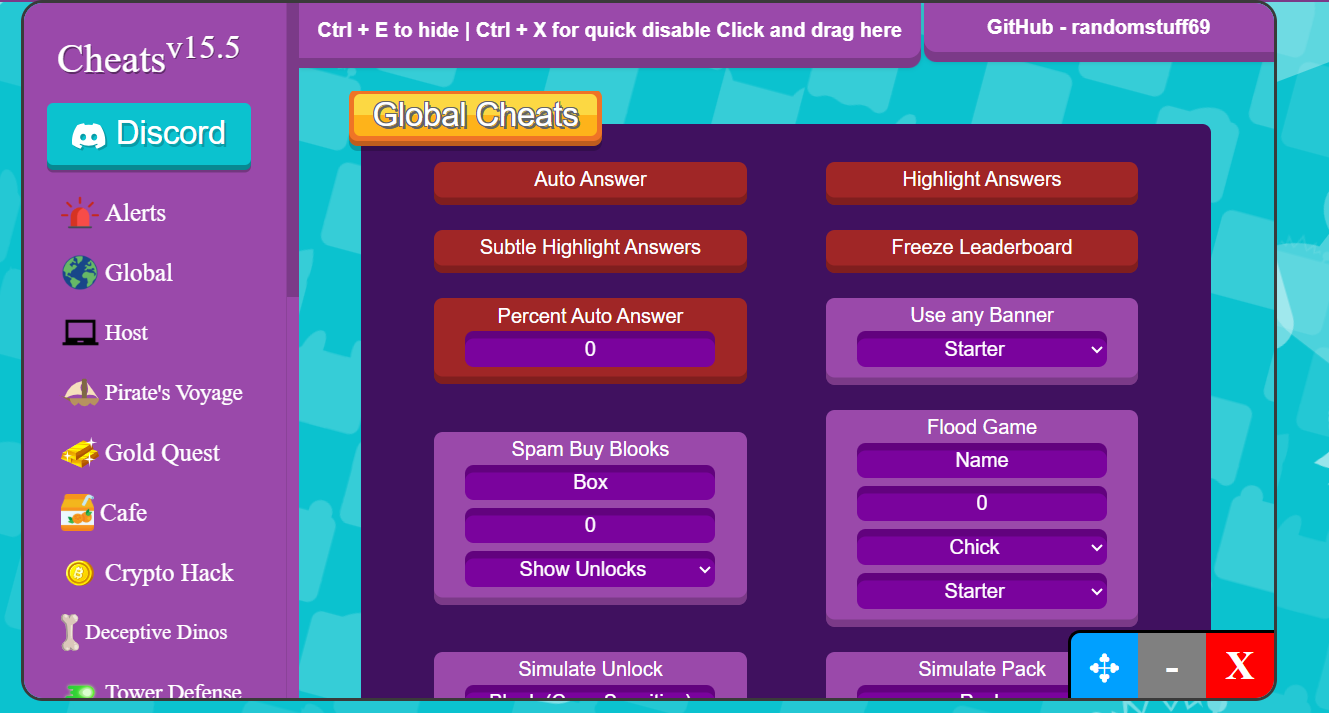
Blooket Cheats
Blooket Cheats [UPDATED]
VPN Download
How to Download a VPN on the School Computer

How to Disable GlobalProtect (FBISD)

1. Restart your computer.
2. Log on to your computer as fast as you possibly can
(If you don't then, GlobalProtect may launch before you are able to.)
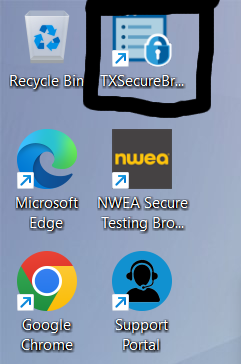
TXSecure Browser
3. Launch TXSecureBrowser
4. Wait 120 seconds. (2 minutes)
5. Close TXSecure Browser
6. Once the desktop loads up, open TXSecure once again.
7. Close TXSecure after it loads up.
GlobalProtect should now be disabled.

After your computer restarts, GlobalProtect will most likely come back.

Optional Checks
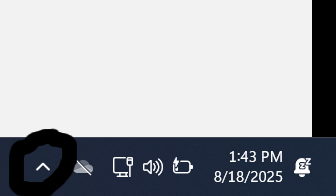
GlobalProtect Taskbar
Click on the small arrow pointing up on the taskbar.
Check if you see GlobalProtect.
(If it's not there, you were successful.)
(If it is, then let me know, by messaging me on discord | @repxility)

Blooket Cheats [UPDATED]

Download the Cheats

Download Blooket Cheats
1. Go to your Blooket Chrome Tab (or Edge)
2. Right Click, on any part of the page, and click 'Inspect', or just do Ctrl + Shift + I
3. In the top bar, select Console
4. Paste the cheats in the txt file. (if it doesn't allow you to paste, type in "allow pasting")
The new and updated Blooket Cheats should now be loaded up.

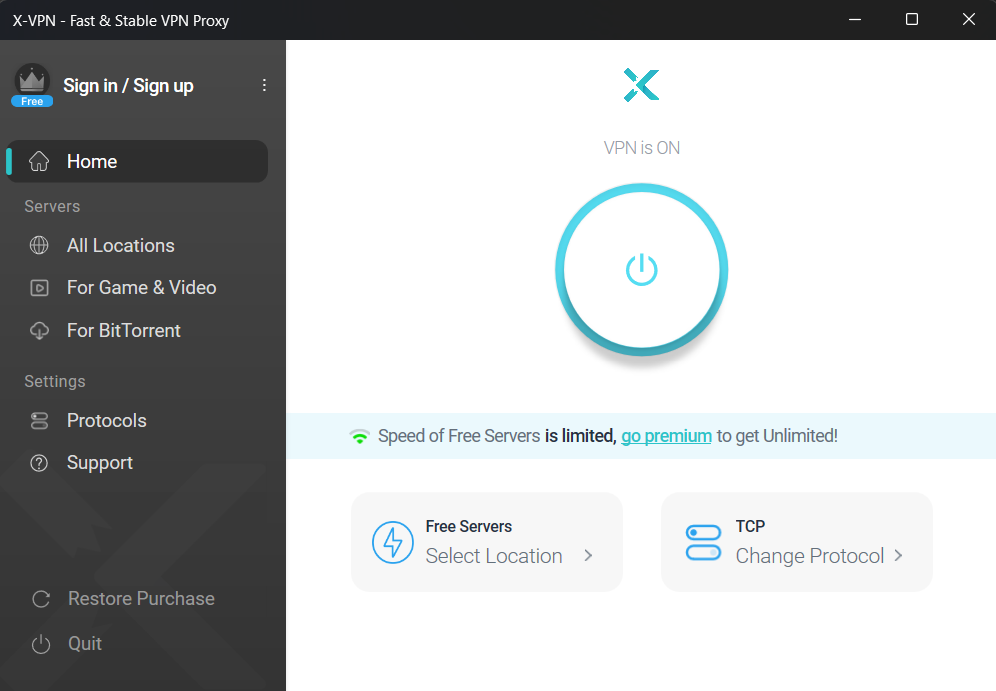
How to Download a FAST VPN on the School Computer

Download the VPN

VPN Download
1. Download the VPN from the button above.
2. Open the .msixbundle file it downloads.
3. Click Install.

After Opening the VPN

Skip the ads for premium.
For the protocol, select TLS-2 (OR IT WILL BE VERY SLOW) if not already selected.
If this method does not work, message me on discord | @repxility

The VPN may be slow, for a better VPN follow the tutorial on getting administrator privileges on the school computer.