ElementsTab Obfuscator( ETOBF ) is a JavaScript application that obfuscates the code displayed in the Elements tab of Developer Tools.
NOTICE: ElementsTab Obfuscator does NOT obfuscate the source code of a webpage. To obfuscate the source code, use an HTML obfuscator, such as Online HTML Obfuscator.
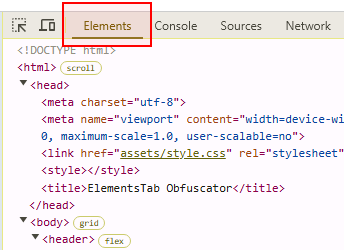
ElementsTab Obfuscator performs the following three types of obfuscation on the Elements tab of Developer Tools:
- Split a text node into character nodes
- Remove all <script> elements
- Remove all <!-- comment blocks -->
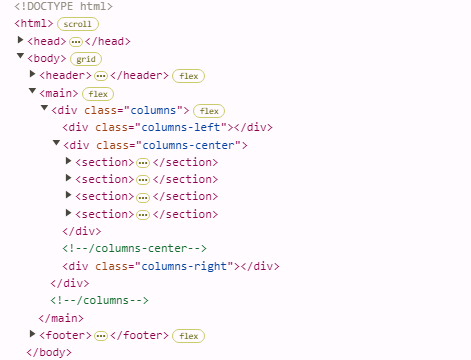
The Elements tab of this webpage is obfuscated by ElementsTab Obfuscator. To verify the obfuscation result, open the Elements tab of Developer Tools.
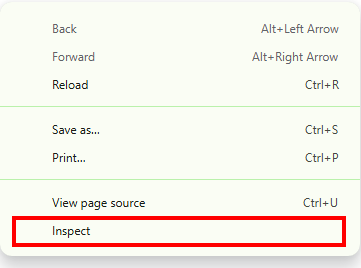
To open the Elements tab, right-click on any part of this webpage and select Inspect or Inspect Element from the context menu.
To install ElementsTab Obfuscator on your webpage, follow these steps.
- Find the JavaScript file, etobf.js in the zip file you downloaded.
- Upload etobf.js onto your website.
- Add the following JavaScript tag on your webpage. Make sure to correctly adjust the path to the JavaScript file.
<script src="/path/to/the/JavaScript/file/etobf.js"></script>
Done! The installation of ElementsTab Obfuscator is completed.
To see an example of installation, check out the source code of this webpage.
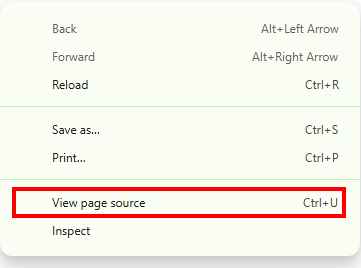
You will find the following line:
<script src="etobf.js"></script>